






 Genuine product license






Buy Adobe Premiere Elements 2026 – Genuine 3-Year License (Windows & macOS)
Stop spending countless hours editing footage manually or paying recurring subscription costs. Get Adobe Premiere Elements 2026 with a verified 3-year activation and take advantage of the latest AI-powered video editing tools. From automated scene trimming to intelligent object tracking, the 2026 release streamlines your entire editing process. Activate your 36-month license today and benefit from regular updates, dedicated support, and a stable editing environment.
Adobe Premiere Elements 2026 is designed for creators who want professional-quality videos without the complexity of high-end editing suites. Powered by advanced Adobe Sensei AI, this version introduces smart editing suggestions, automated color correction, and enhanced performance for faster rendering. Whether you’re producing content for YouTube, social media, or professional projects, Premiere Elements 2026 gives you the tools to edit faster and create with confidence.
What You’ll Get with Your Purchase
When you purchase Adobe Premiere Elements 2026, you unlock AI-powered video editing and professional creative tools instantly.
- • Verified Authentic License – 100% genuine activation with official updates included.
- • 36-Month License Duration – enjoy consistent performance and full access for three years.
- • Intelligent AI Video Editing Tools – turn raw clips into polished cinematic content effortlessly.
- • Instant Digital Delivery – receive your official activation key quickly via email after checkout.
- • Universal Desktop Setup Guide – easy installation steps for both Windows and macOS users.
- • Premium Customer Support Team – dedicated assistance available 24/7 for setup.
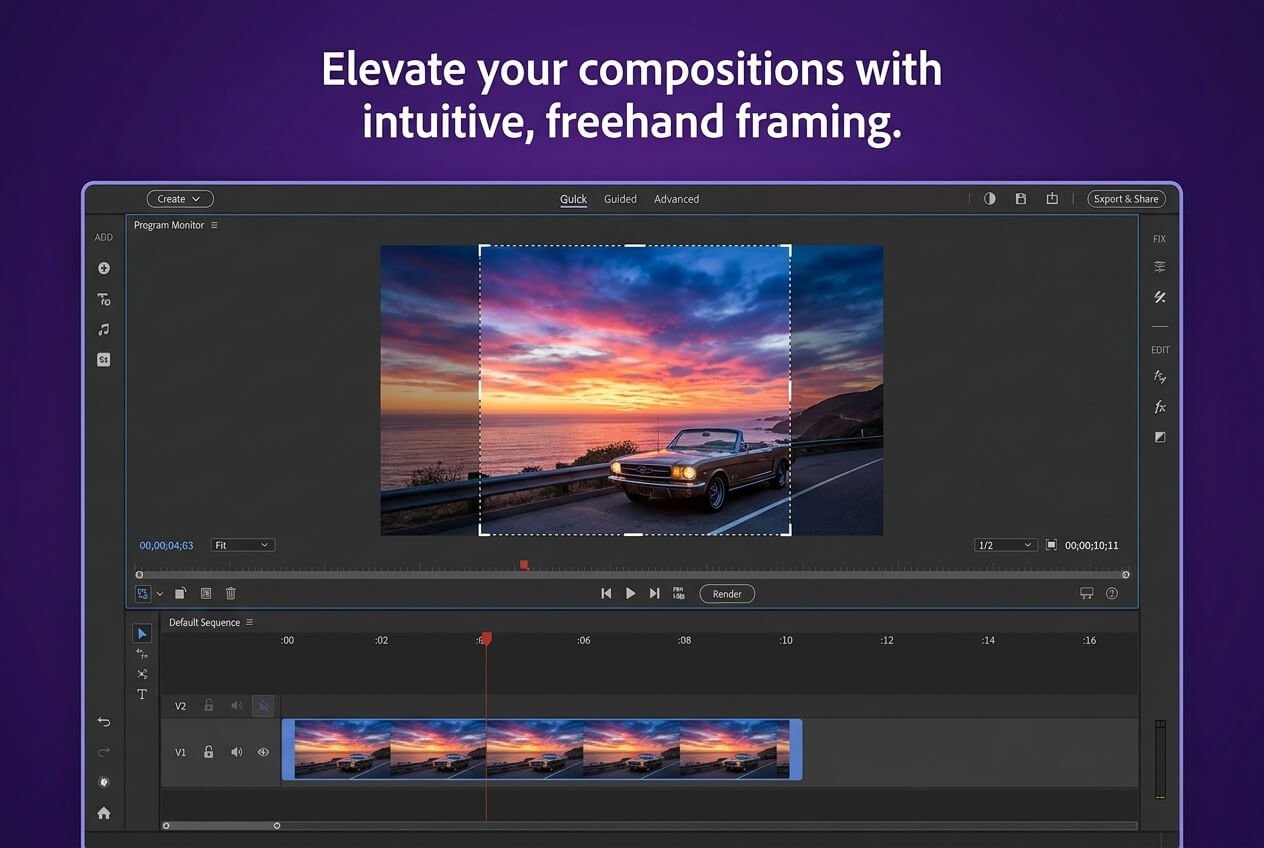
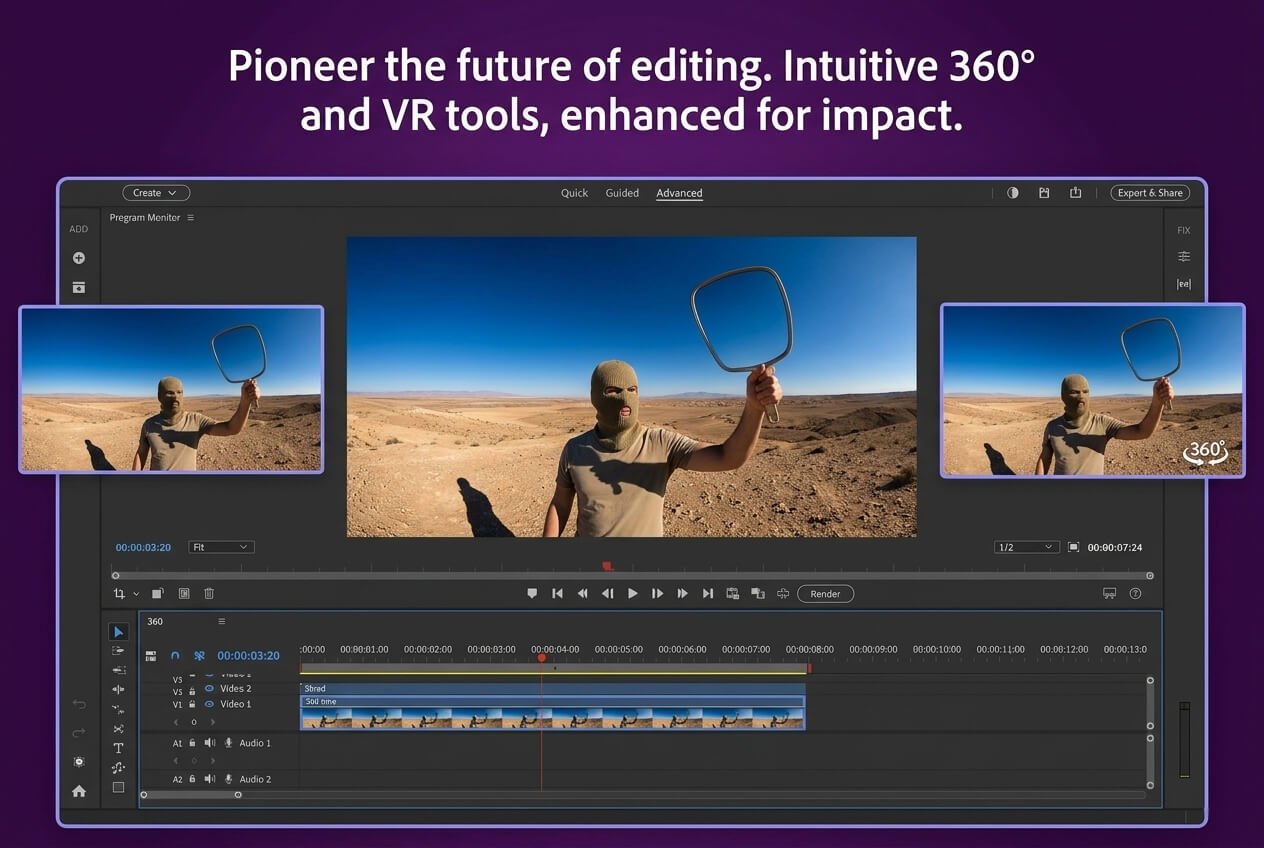
Key Features of Adobe Premiere Elements 2026
— AI-Powered Scene Detection & Smart Editing
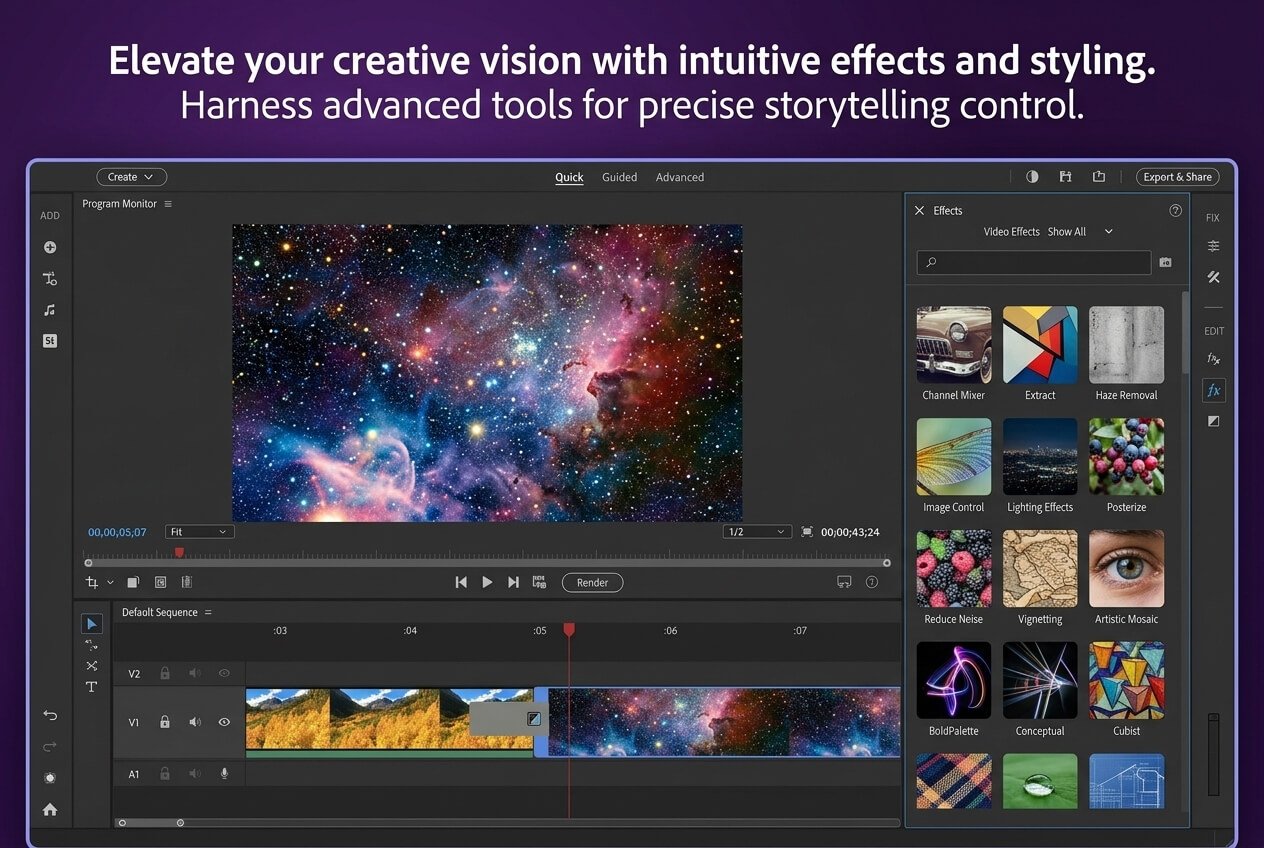
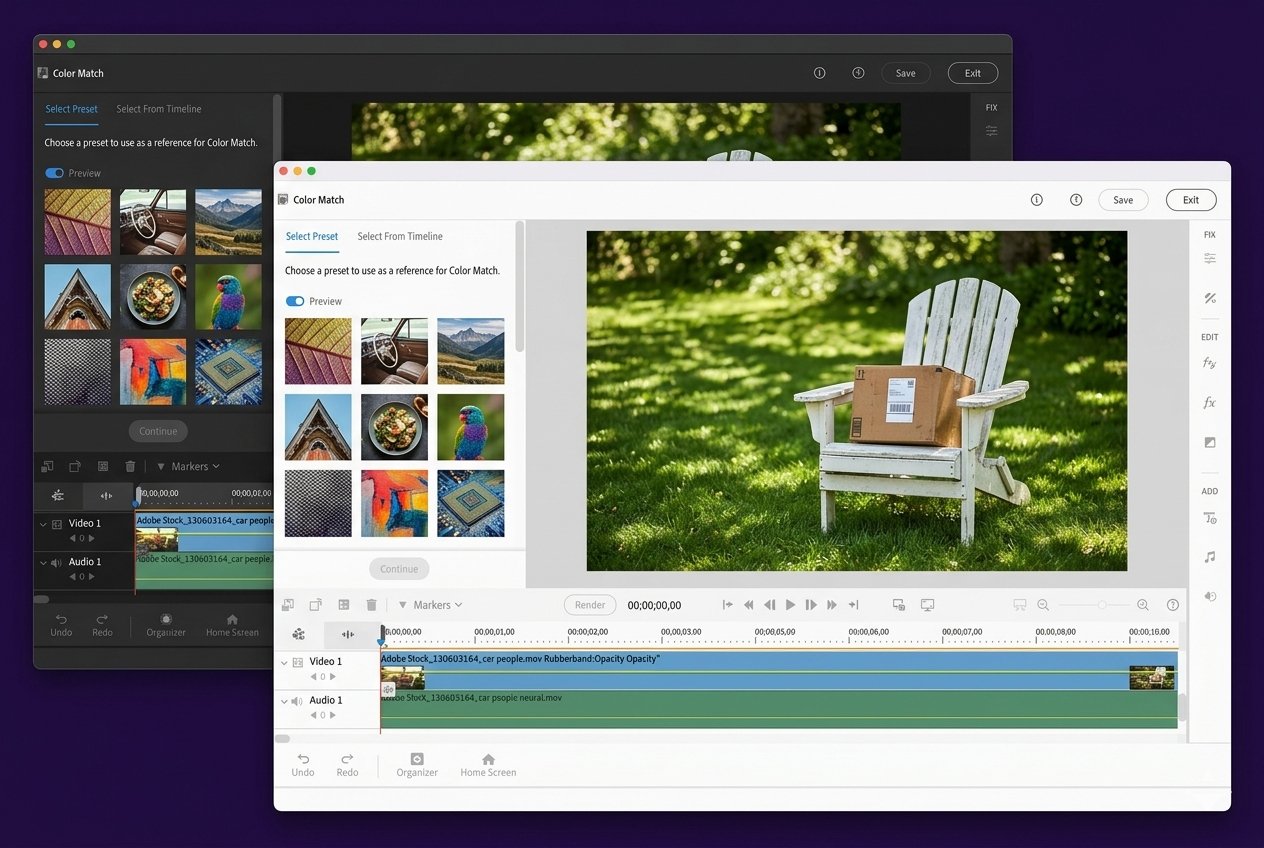
Premiere Elements 2026 introduces enhanced Sensei tools for automatic scene selection, motion tracking, clip trimming, and intelligent color correction—speeding workflows while delivering cinema-quality results.
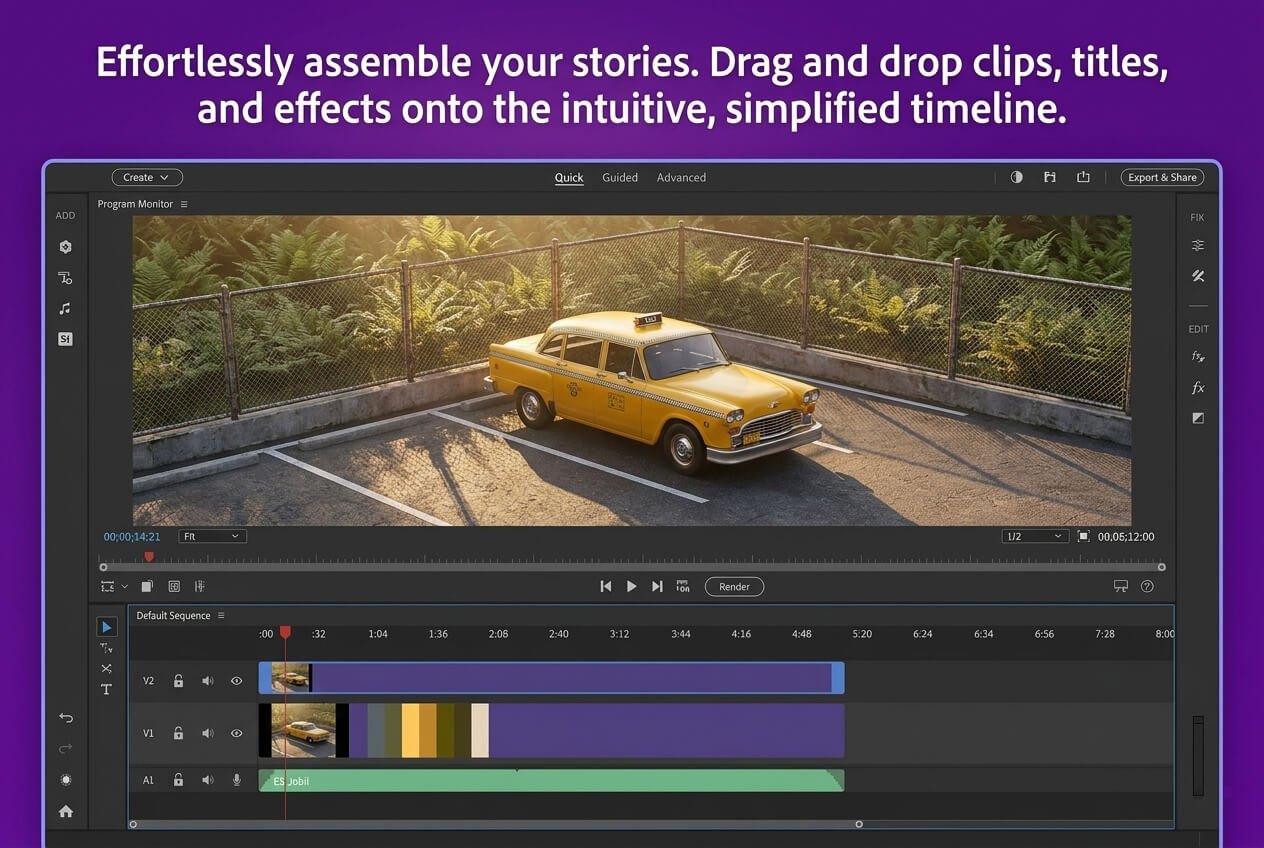
— Advanced Timeline Editing Architecture
Apply transitions, effects, social media formats, HDR adjustments, and cinematic enhancements using responsive timelines, layers, keyframes, and precise color grading controls.
— Enhanced Object Tracking & Background Control
Remove unwanted elements, follow moving subjects, or replace backgrounds seamlessly with improved tracking accuracy and integrated AI-assisted editing workspace.
— 4K Video & Multi-Format Compatibility
Edit Ultra HD footage, high-bitrate files, and complex multi-track projects without lag during rendering, exporting, or processing large video libraries.
— Optimized, GPU-Accelerated Editing Interface
A clean, adaptive workspace designed for fast timeline navigation, smooth playback performance, and efficient project management across modern systems.
— Full Integration with Adobe Creative Tools
Works seamlessly with Photoshop Elements, Adobe Stock, Premiere Pro, After Effects, and other Adobe ecosystems for a connected professional video editing workflow.
— Cloud Backup & Project Synchronization
Access your projects across devices and maintain secure backups with cloud-enabled syncing and local storage protection for reliable editing continuity.
About Adobe Premiere Elements 2026
Adobe Premiere Elements 2026 License is designed for creators who require complete editing control and smooth performance. Whether you are organizing large video libraries, editing 4K footage, applying AI-powered enhancements, or producing detailed cinematic projects, Premiere Elements delivers the tools and speed needed for professional-quality results.
With intelligent automation and non-destructive editing workflows, Premiere Elements 2026 minimizes manual work and helps you stay focused on storytelling. From basic cuts to advanced motion tracking, this version adapts to every skill level while ensuring reliable project stability and consistent export quality.
System Requirements
Why Shop Premiere Elements 2026 with Us?
- — Authentic video editing application licenses
- — Powerful AI-assisted video creation tools
- — Advanced timeline and visual effects features
- — Designed for current Windows and macOS hardware
- — Smooth compatibility across Adobe creative software
- — Fully original Adobe Premiere Elements application

Why Buy From Our Platform?
- — Protected and reliable video editing software checkout
- — 24/7 professional video editing software assistance
- — Genuine license activation with official Adobe updates
- — Quick setup process for Windows and macOS users
Internal link suggestion: Contact Us for support
Our company is an authorized Adobe reseller, qualified to provide Premiere Elements 2026 solutions. This recognition demonstrates our expertise in Adobe’s video editing software and our commitment to quality service. We supply legitimate Adobe products, ensuring customers receive authentic licenses and dependable 3-year support.
Frequently Asked Questions
Can I Edit and Export 4K Video in Premiere?
Does This Version Support AI Auto-Reframe?
What is Motion Tracking and How Does It Work?
Can I Move My License to Another PC?
Does This 3-Year Plan Include Cloud Syncing?
Is This a Genuine, Official License?


Ethan Smith –
At worst the discussion is at least working towards the final goal of your site where questions about lorem ipsum don’t.
If the copy becomes distracting in the design then you are doing something wrong or they are discussing copy changes. It might be a bit annoying but you could tell them that that discussion would be best suited for another time.